



Add music to your games step by step in a professional, easy and fun way. Learn to add adaptive music to Unity with FMOD. Includes 2+ hours of training, 5 C# scripts, 2 demo projects, and 5 licensed soundtracks so your indie game sounds alive.
Static loops make games feel repetitive. Adaptive music makes them feel alive. This course is built for indie game developers who want to:

Ship your games faster with a ready-to-use soundtrack license included

Add professional-quality adaptive music to their Unity project

Save development time with all resources included, soundtracks, C# scripts, demo projects, and full license

Avoid paying thousands for custom music or audio programmer
When you join Mastering Adaptive Music Systems in Unity + FMOD, you get:

2+ Hours of Step-by-Step Video Lessons Learn how to implement adaptive music into Unity with FMOD — no coding required
Unity + FMOD Plug-and-play adaptive systems you can copy into your own game
A Release-Ready Adaptive Soundtrack (Indie License Included) use this professionally produced soundtrack in your current project. Perfect for testing or shipping
4 Additional Soundtrack Packs (Different Styles) coming after launch, all included for free. That’s 5 complete adaptive soundtracks total
Private Community Get feedback, share progress, and connect with other developers
Lifetime Access + Updates Revisit any lesson or soundtrack pack whenever you need


Here are the most Frequently Asked Questions:
No — the course is designed for developers. You’ll learn how to integrate adaptive music systems even if you’re not a composer
Yes — the soundtrack license covers indie commercial use. You only need a separate license if you’re working on a publisher-funded or AAA project
Absolutely — you’ll learn how to import and adapt any soundtrack to Unity using FMOD.
No — FMOD is optimized and used in countless professional titles
You’ll have access to a private community, and the lessons are structured step-by-step with demo projects

How to use this course

Before we begin...
Test your learning
Lesson 1: Getting FMOD

Soundtrack Download
Lesson 1: Organizing & Importing Files
Lesson 2: Events, Logic Tracks, Tempo Markers, Loop Regions
Lesson 3: Creating a Mixed Music System. Horizontal Re-sequencing, Sequential Approach
Lesson 4: Creating a MMS Pt 2: Vertical Re-Orchestratio, Layered Approach
Lesson 5: Creating a MMS Pt3: Shopping, Loading Screen or a simple Transition
Lesson 6: Task Build the Rest of the System
Lesson 7: 3-phase Epic Boss Battle
Lesson 8: Player Status, Transition Markers, Magnetic Regions, Quantization, Command Instruments
Lesson 9: Boss's Health
Lesson 10: Creating Sound Banks
Lesson 1: Getting Unity
Lesson 2: Creating a Unity Project
Lesson 3: Integrating Fmod in your Unity Project
Lesson 4: Creating a Playtest Level
Lesson 5: Creating a Music Manager & Triggers
Custom Scripts Download
Lesson 6: Enemies & Custom Scripts
Lesson 7: 3-phase Epic Boss Battle & Game Reset
C# Script 01 - Enemy Spawner
C# Script 02 - Enemy Destroyer
C# Script 03 - Enemy Distance
C# Script 04 - Fmod Boss Health
C# Script 05 - Player Status

I’m Amadeus Herrera, a video game composer and adaptive audio specialist who helps indie developers bring their games to life with Unity and FMOD. With years of experience writing and implementing music for interactive media, I’ve created this course to give developers everything they need in one place: practical training, Unity-ready scripts, and licensed adaptive soundtracks. My mission is simple: to help you add professional-quality game audio systems to your projects without wasting time or breaking your budget.
Each Soundtrack Includes 30+ levels, a 3-phase Boss Battle, 3 shops, and a Main Hub track! (1 soundtrack released on launch + 4 more coming as updates)
Learn Unity + FMOD step by step, no coding required
Ready-to-use templates and scripts for instant implementation
Get direct feedback, peer support, and collaboration opportunities
Future-proof your learning with ongoing content and music assets
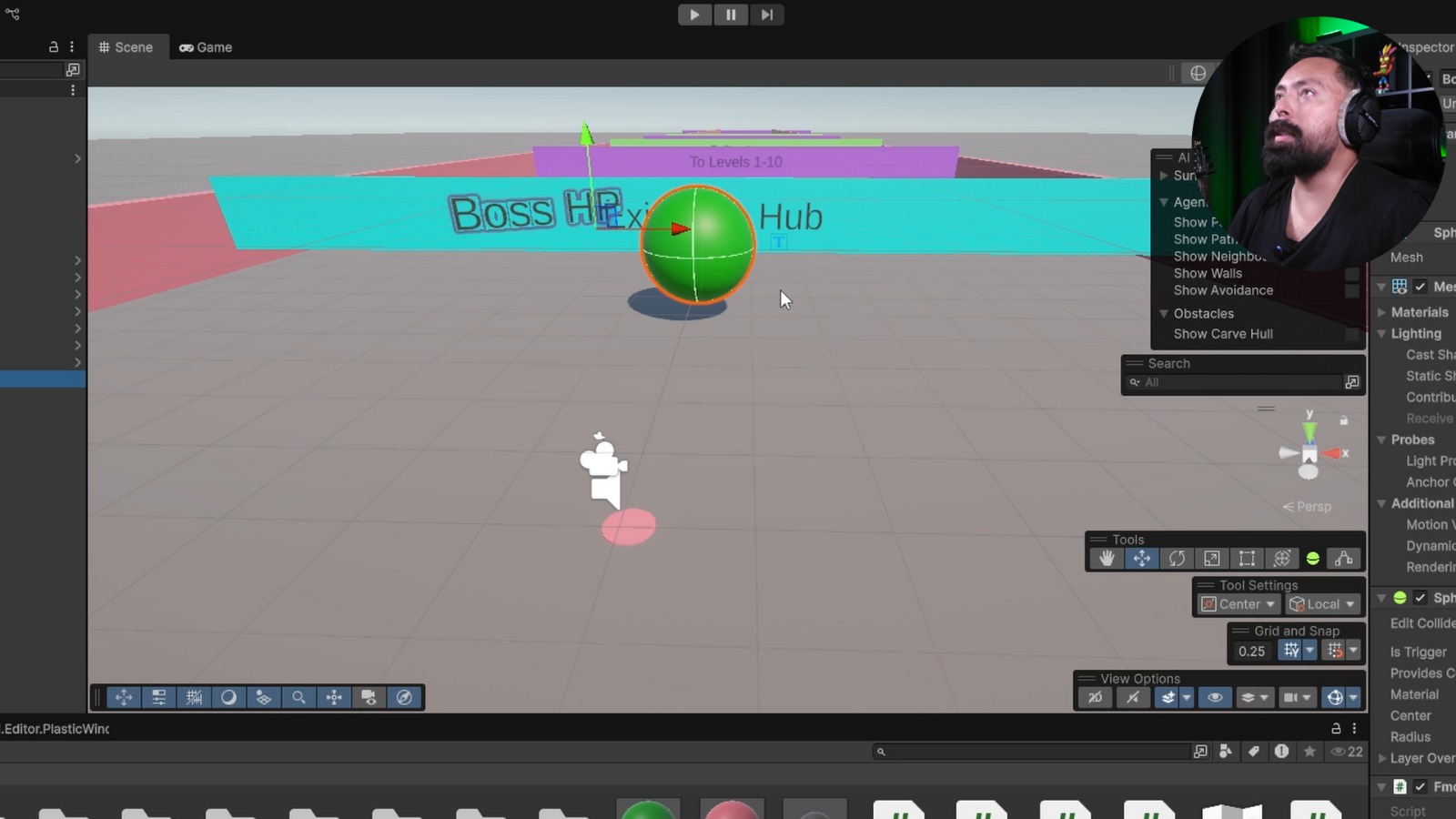
👉 For just $150, you’ll get: The complete course, 5 adaptive soundtracks (with indie license), 5 Unity-ready C# scripts, lifetime updates & community access! Stop looping static tracks. Start shipping games with adaptive music that reacts to gameplay